


Endpaper
A friendly bookshelf and a quiet place to read, for Linux. Your books stay plain .epub files in a folder of your choice, and Endpaper never changes them.
Version 0.5.1, an early version for everyday testing · Release notes
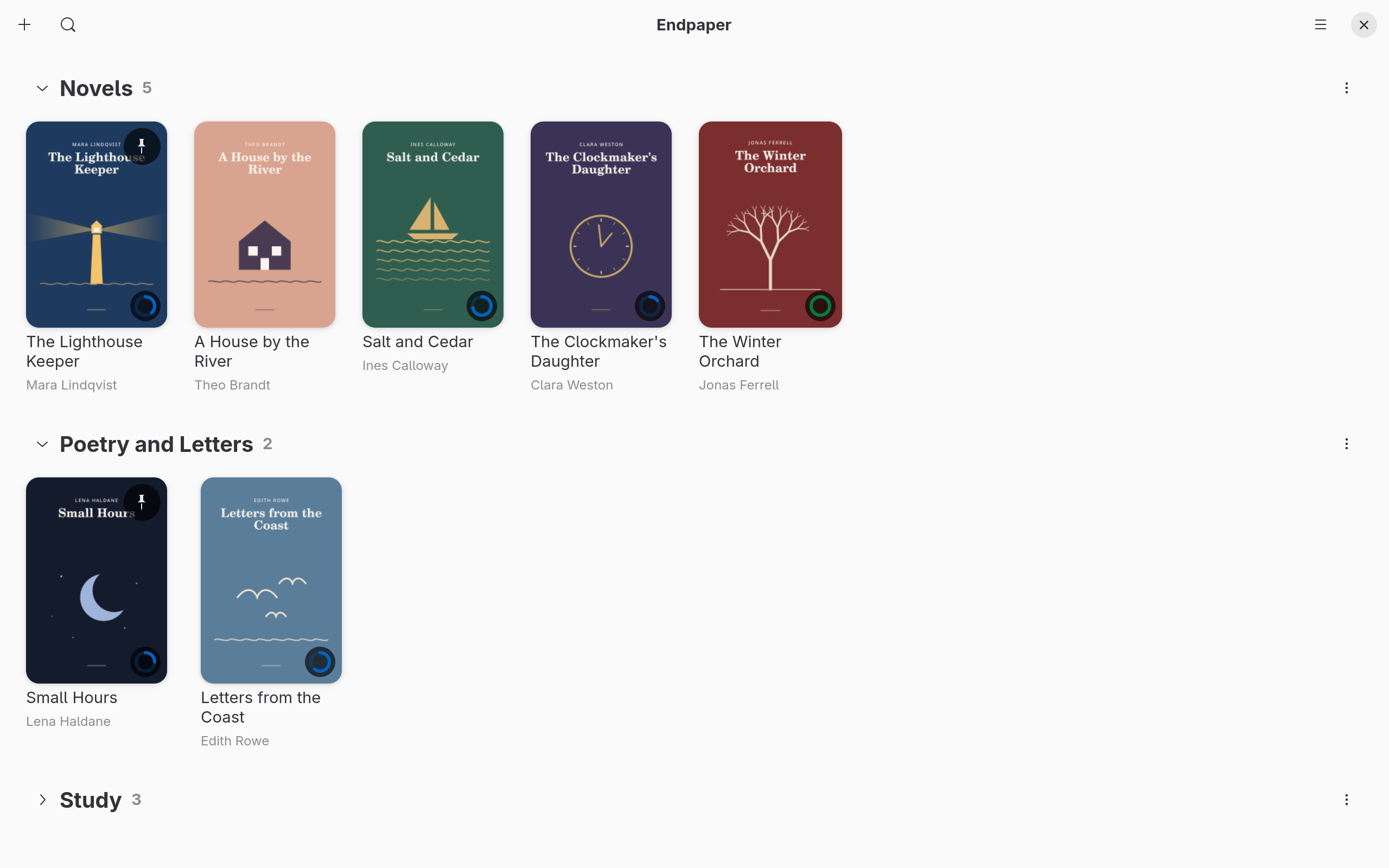
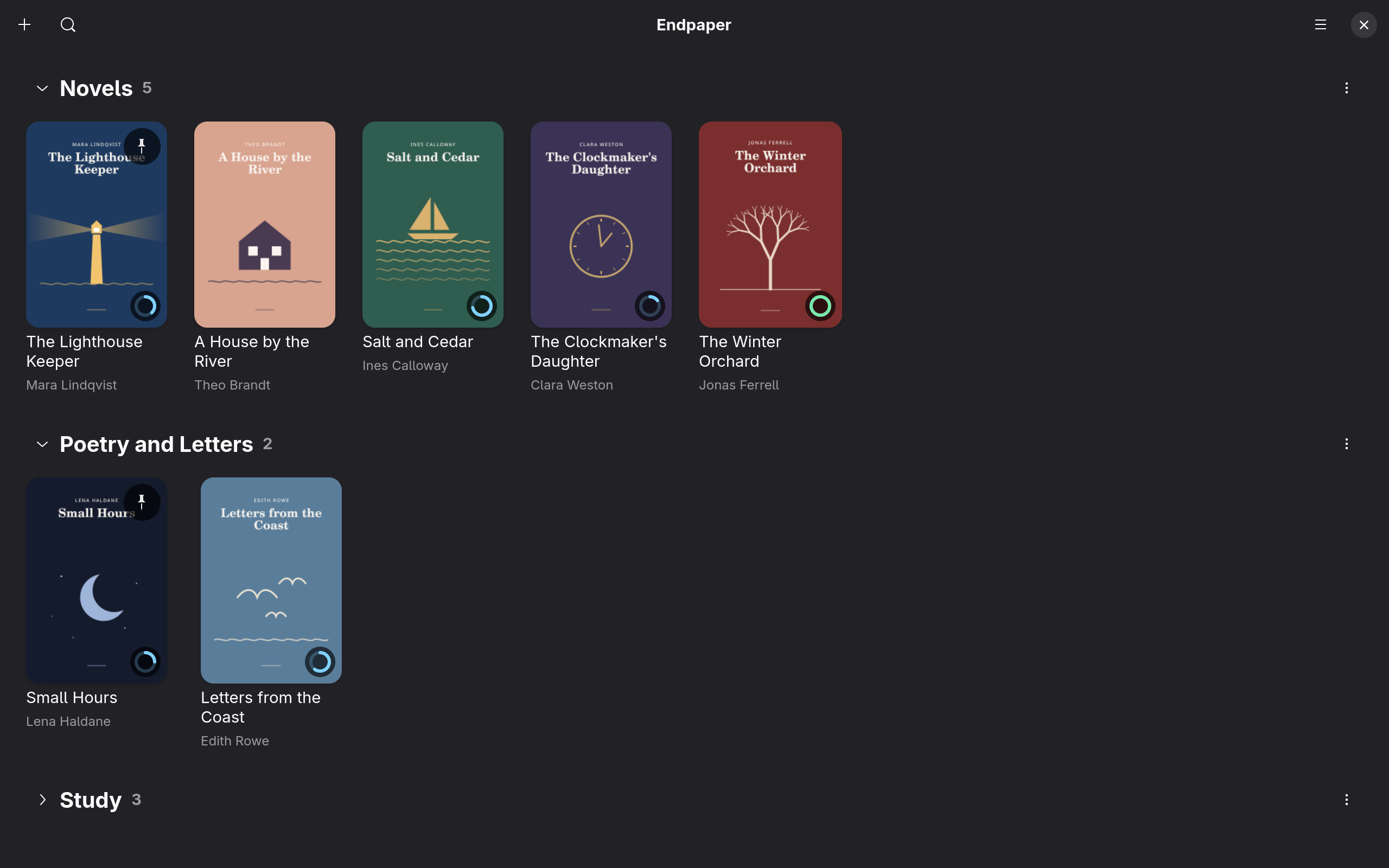
A shelf of plain files
Folders become categories
Any folder becomes your library, and its subfolders become categories. No database, no import. Sync it with Nextcloud or Syncthing if you like; books you add from outside appear on the shelf.
Order from the shelf
Create and rename categories, move books by dragging or with Alt and the arrow keys. Pin the books you need, and the categories you use most to the top. Deleting always goes through the system trash.
Reading progress
A small ring on each cover shows how far you have read; in the open book, the corner shows percent or page numbers, also those of the print edition. Near the end, Endpaper asks whether you have finished the book, and finished books gather at the end of the shelf.
Your way of reading
Pages or continuous scrolling, two pages side by side on a wide window. Font, size, spacing and width, and light, sepia or dark colors.
Footnotes in place
Footnotes and references show in a small popup at their mark, without leaving the page. A click on a picture shows it large.
Focus mode
F11 shows only the text, full screen, with more room around it. Esc brings the window back.
Marks and notes, without dragging
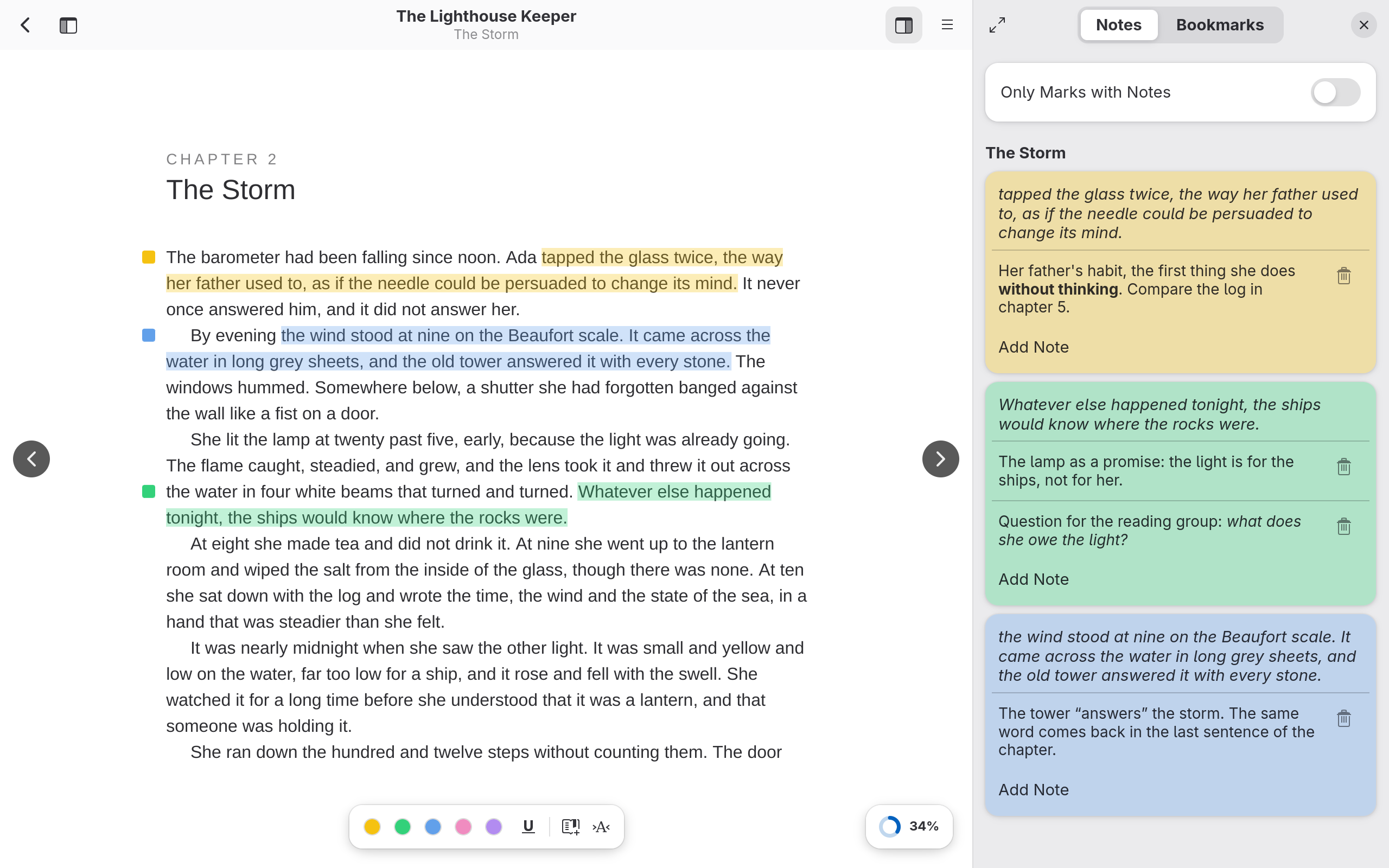
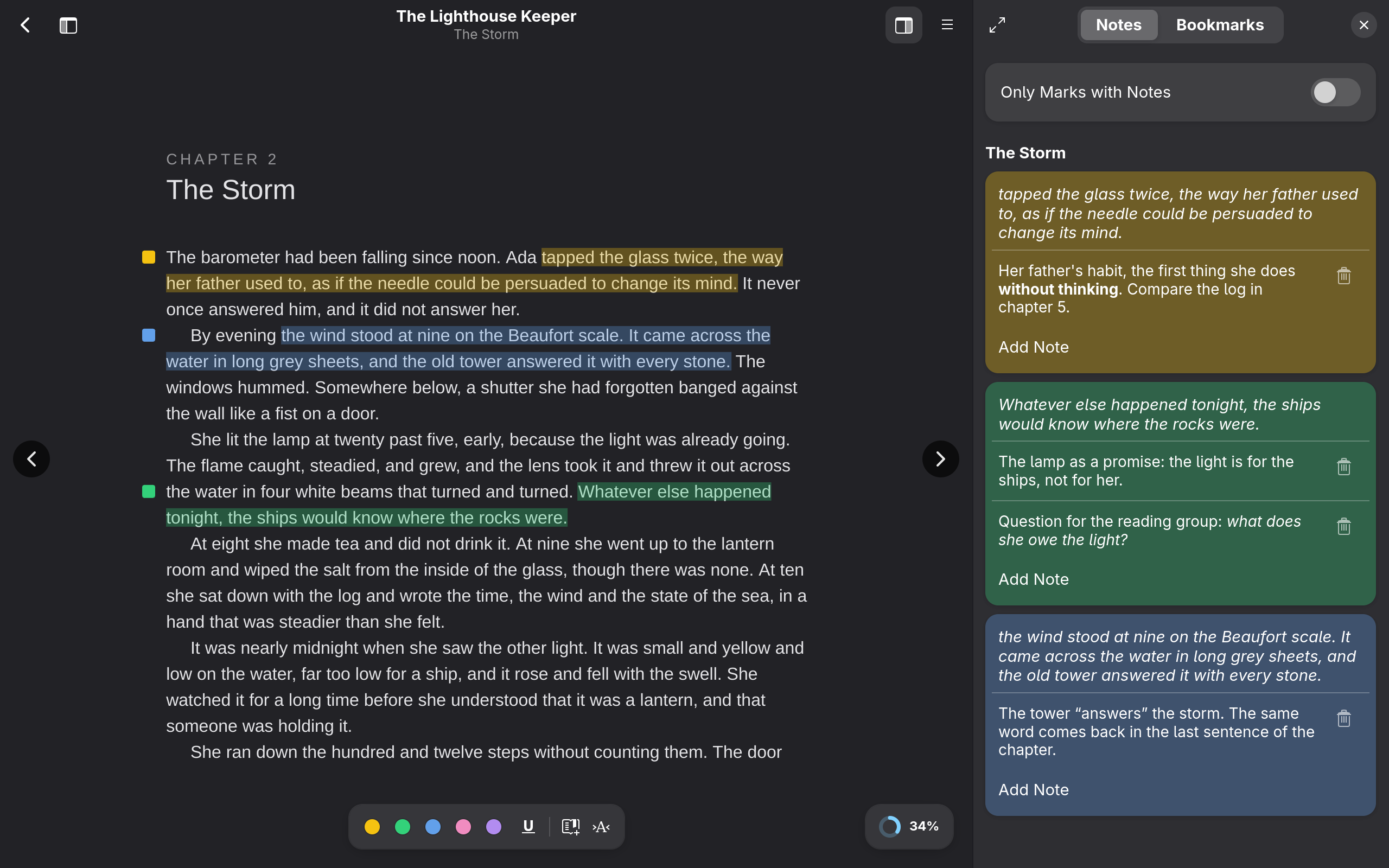
Choose a color in the bar below the text, click the first word and then the last, across pages if you like. A double-click marks a single word, and it all works with the keyboard alone too. Marks that overlap simply join.
Every mark can have notes in Markdown, as long as you like. They are saved while you type, into a readable .notes.md file beside the book that moves and syncs with it, and stays readable without Endpaper. The text fields and tick boxes of study editions work as well, and your answers go into the same file.
Find what you read
Ctrl+F lists every place in the open book by chapter, with a short excerpt that shows your marks, and your notes that match stand among them.
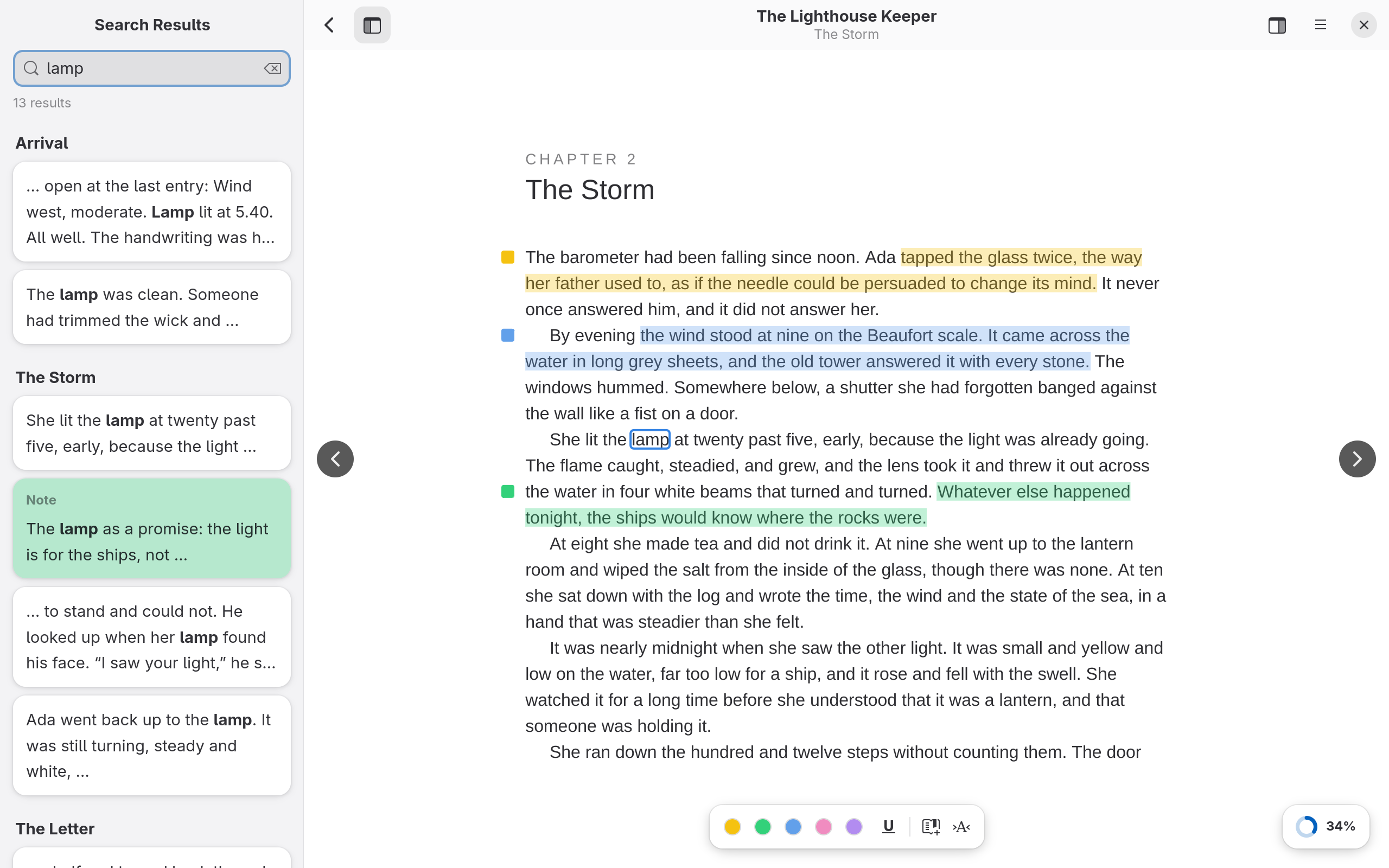
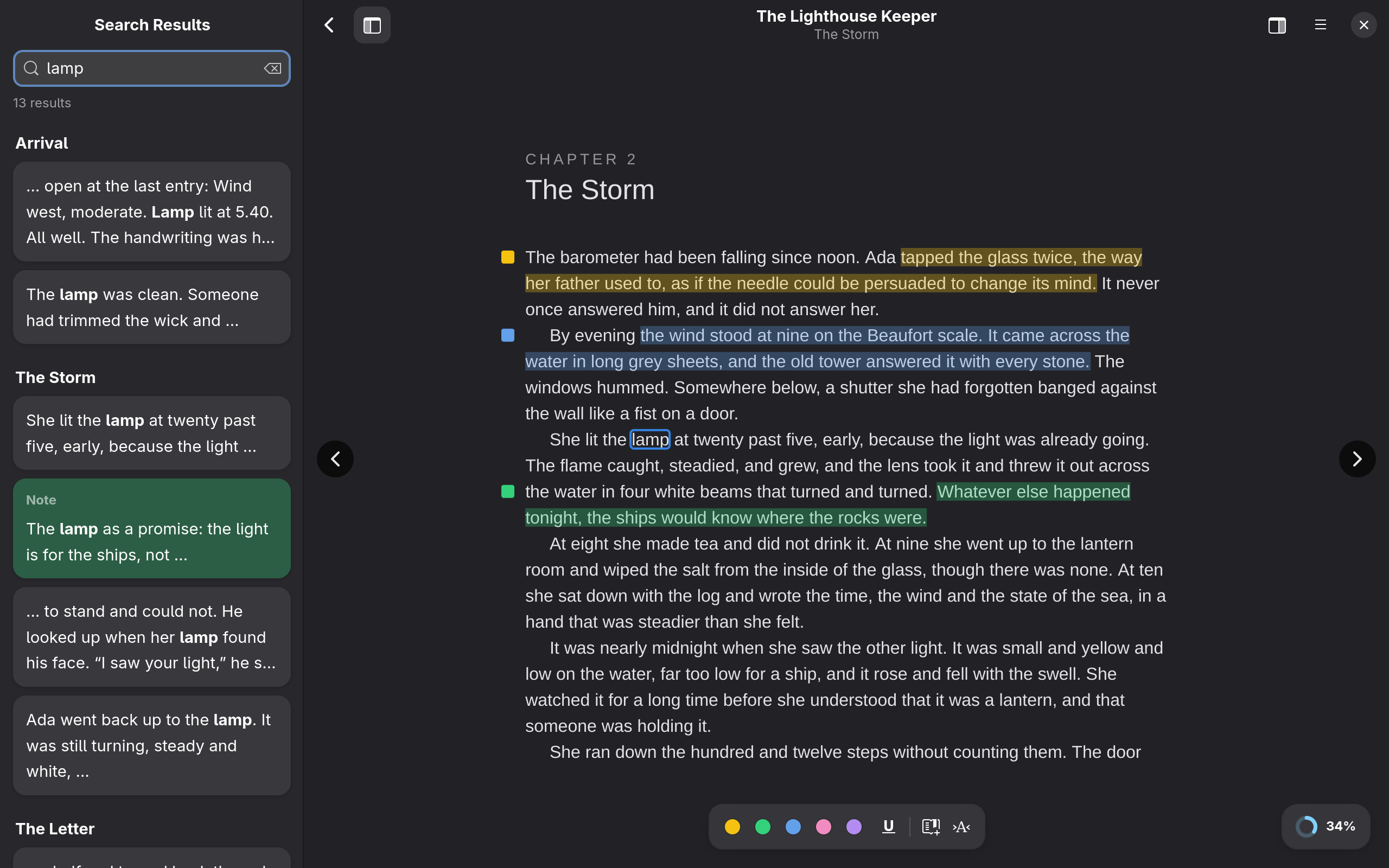
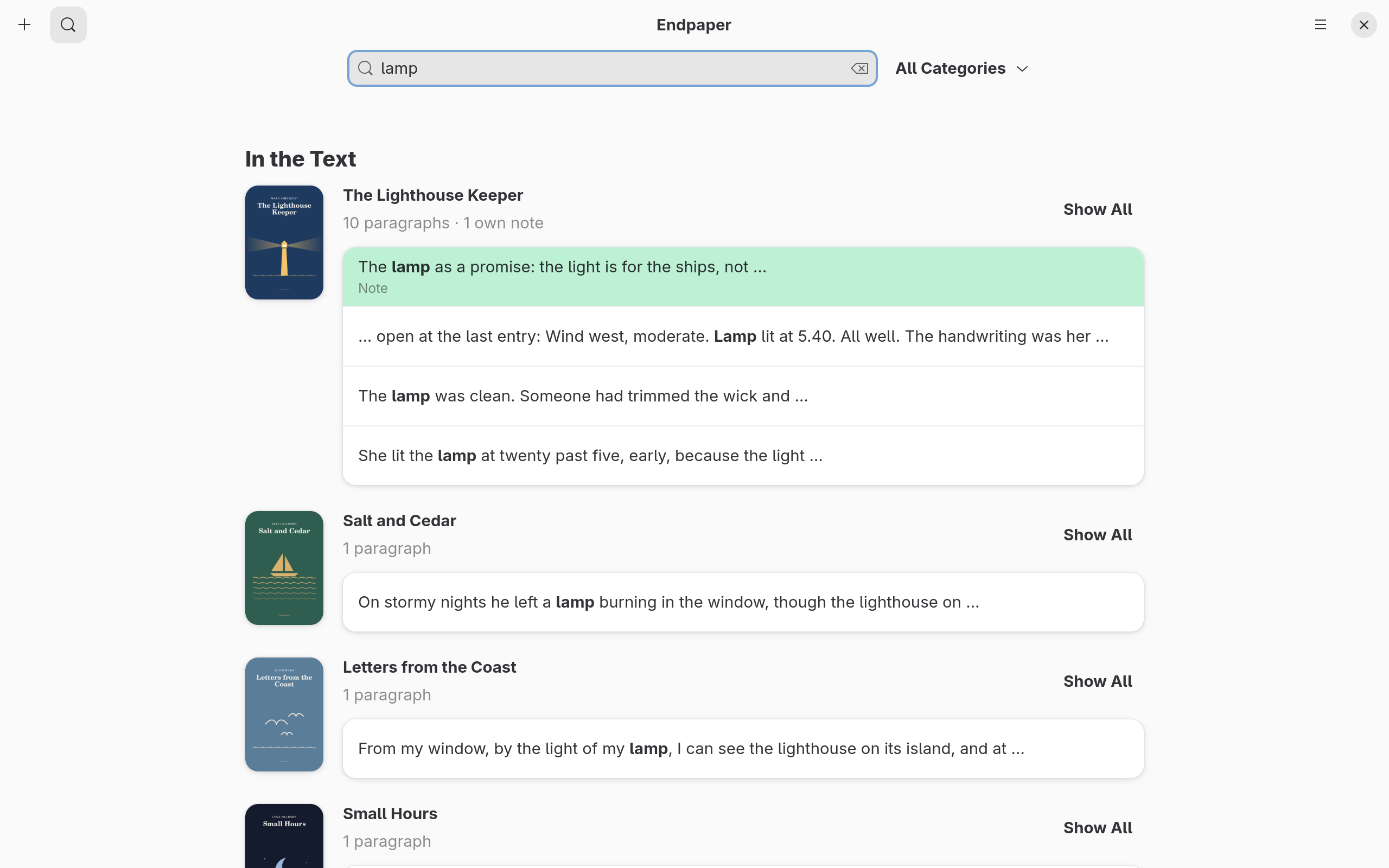
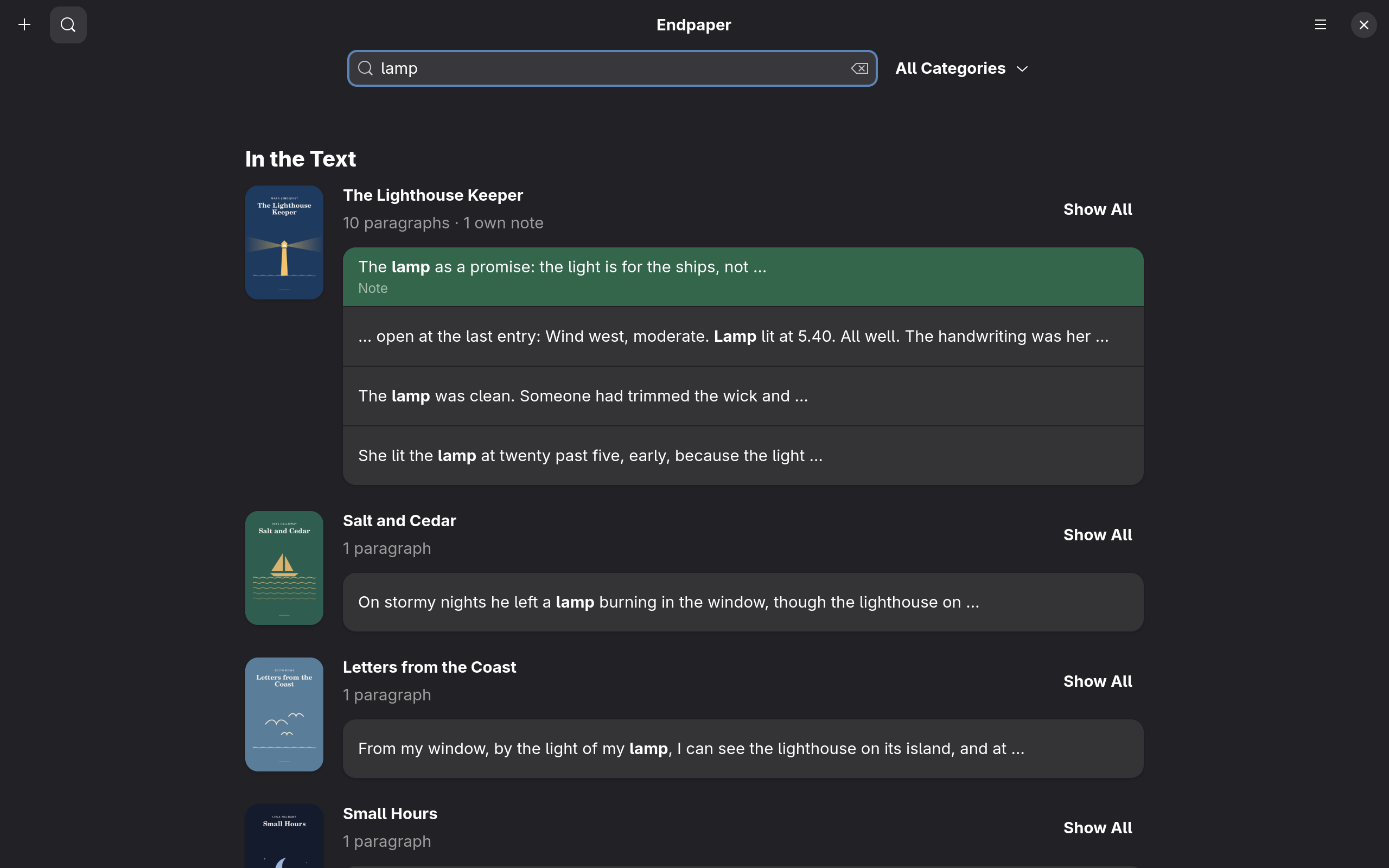
The search on the shelf goes further: it finds titles and authors, and also the words in the text of every book and in your notes. Other forms of a word count too, in German and English, and a typing error finds the closest word in your books. The text is read once in the background, into a cache that can always be thrown away.
Quiet and private
No network at all
No account, no telemetry. The Flatpak doesn't even have network permission.
Books can't run anything
Books are treated as untrusted content: their scripts don't run, and they can't load anything from outside. A web link opens in your browser only after asking you.
Your notes are safe
Notes are saved atomically. If another program changes a notes file, Endpaper keeps both versions instead of overwriting one. When a book gets a new edition, your marks and notes find their place again by their text.
Endpaper reads EPUB books without DRM.
Install
A release on Flathub is planned for later; until then, install the Flatpak bundle.
First time with Flatpak?
Flatpak is a format for apps that runs on almost every Linux distribution. Fedora and Linux Mint come with it already set up, so you can skip this step. On Ubuntu, open a terminal and set it up once:
sudo apt install flatpak
flatpak remote-add --user --if-not-exists flathub https://dl.flathub.org/repo/flathub.flatpakrepo
The first command installs Flatpak, the second adds Flathub, where the GNOME runtime that Endpaper needs comes from. Log out and back in afterwards, so that Flatpak apps appear in your app launcher. For other distributions, see flatpak.org/setup.
Install Endpaper
Not sure which one you need? Open a terminal and type uname -m. It shows x86_64 on most PCs and laptops with an Intel or AMD processor, and aarch64 on ARM computers, for example a Raspberry Pi, a laptop with a Snapdragon processor, or Linux in a virtual machine on a Mac with Apple Silicon.
Then open a terminal in your downloads folder (usually cd ~/Downloads) and install the file you downloaded. For x86_64:
flatpak install --user Endpaper-0.5.1-x86_64.flatpakFor ARM (aarch64):
flatpak install --user Endpaper-0.5.1-aarch64.flatpakThe GNOME runtime is fetched from Flathub automatically, and Endpaper appears in your app launcher. Bundles don't update by themselves; install the next release the same way. Your library, notes and settings stay.
Build from source
git clone --branch v0.5.1 https://github.com/kleinod-studio/Endpaper.git
cd Endpaper
flatpak-builder --user --install --force-clean build-dir studio.kleinod.Endpaper.yml
You need flatpak-builder and the GNOME runtime (flatpak install flathub org.gnome.Platform//51 org.gnome.Sdk//51).
Get involved
Endpaper is free software under the GPL-3.0-or-later. Found a bug or have an idea? Open an issue. See the roadmap for what's done and what comes next.