


Typecase
Calm Markdown writing for Linux. Your texts stay plain .md files in a folder of your choice.
Version 0.9.0 · Release notes
Writing, without distractions
A library of plain files
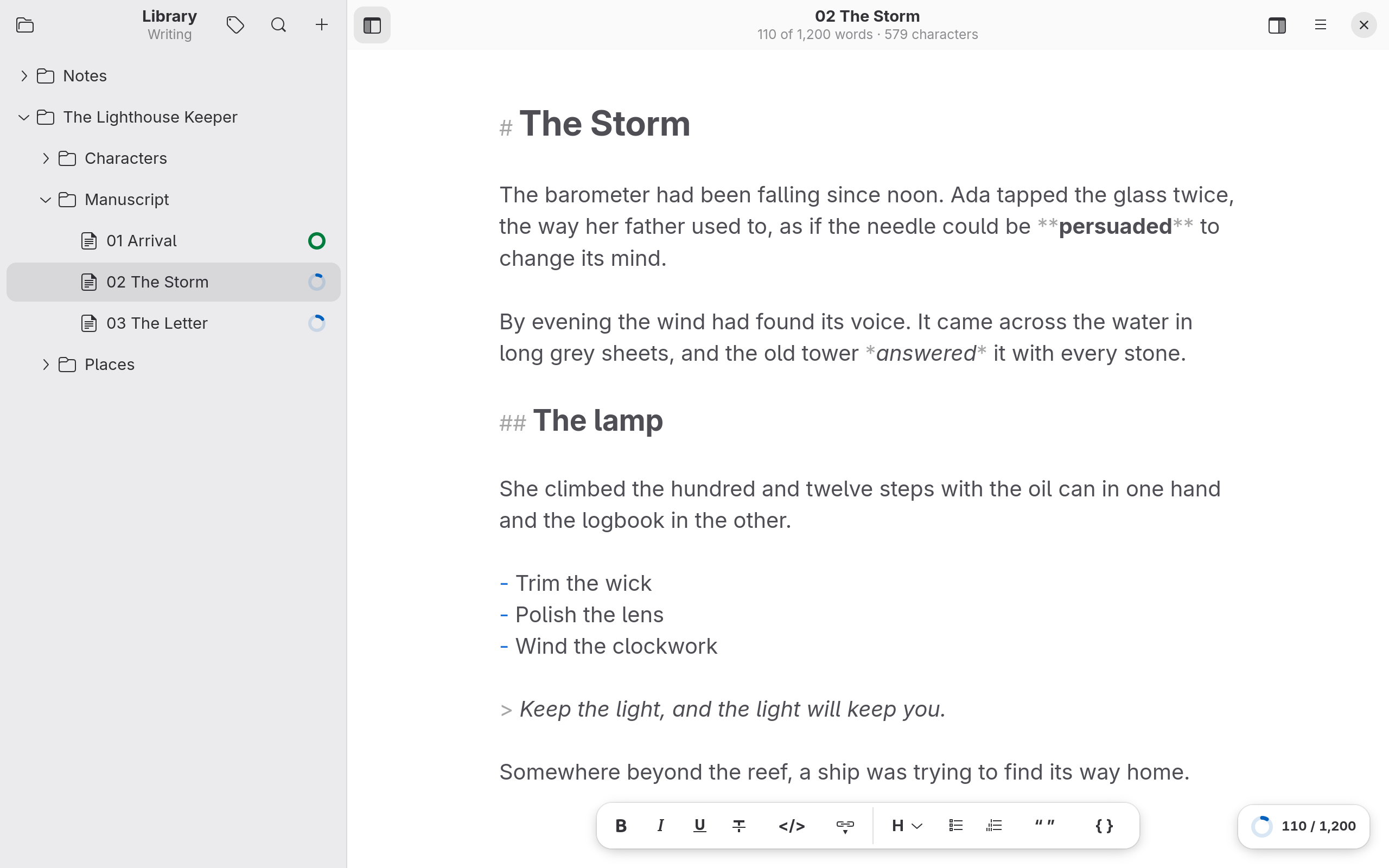
Any folder becomes your library; subfolders are groups. No database, no proprietary format. Sync it with Nextcloud or Syncthing if you like.
Markdown, styled as you type
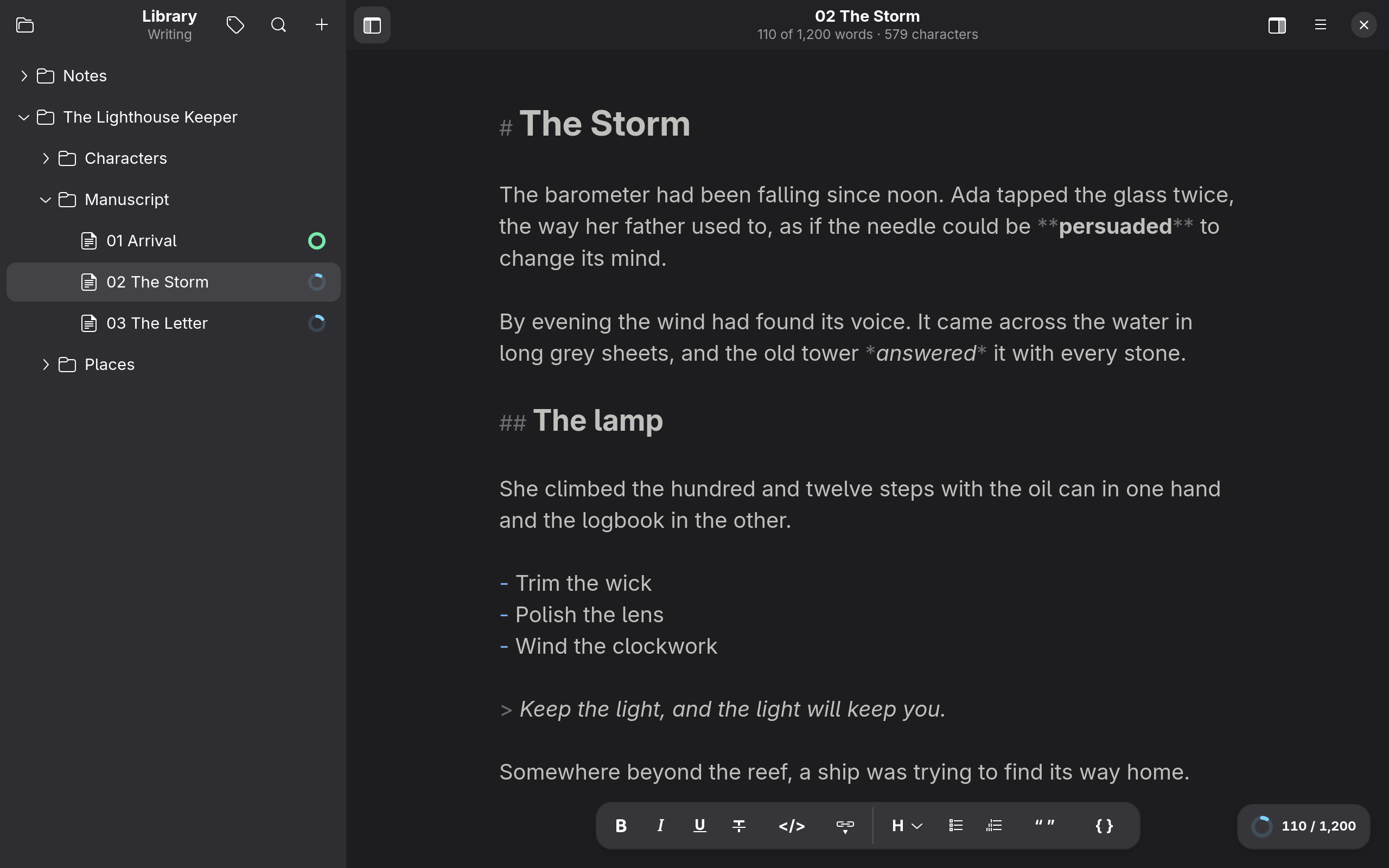
Headings, emphasis, lists and code look the way they will. A floating formatting bar helps if you'd rather not learn the syntax.
Focus mode
Full screen with only your text. Typewriter scrolling keeps the current line centered, and the rest of the text fades back.
Goals and keywords
Set a word goal per sheet and watch the progress rings fill. Tag sheets with keywords and filter your library by them.
Your text is safe
Every change is saved automatically and atomically. If another program changes a file, Typecase never overwrites what you typed.
Private
No account, no telemetry, no network access. The Flatpak doesn't even have network permission.
Export with templates
Typecase exports to PDF, Word (DOCX) and HTML through Pandoc. How the result looks is decided by a template: a single .typecase-template file you import under Preferences → Templates. One template covers all three formats.
Build your own templates
The guide explains the format: description, HTML template, CSS and Word styles.
Or let Claude build them
The typecase-template skill turns a description such as “a manuscript for my editor with a wide margin” into a ready-to-import template. Upload it under Claude's skill settings, then ask for a Typecase template.
Install
Typecase 0.9.0 is the first public release. It will come to Flathub with version 1.0; until then, install the Flatpak bundle:
Most PCs need the x86_64 version. Then open a terminal in your downloads folder:
flatpak install --user Typecase-0.9.0-x86_64.flatpakThe GNOME runtime is fetched from Flathub automatically, and Typecase appears in your app launcher. Bundles don't update by themselves; install the next release the same way.
Build from source
git clone --branch v0.9.0 https://github.com/kleinod-studio/Typecase.git
cd Typecase
flatpak-builder --user --install --force-clean build-dir studio.kleinod.Typecase.yml
You need flatpak-builder and the GNOME runtime (flatpak install flathub org.gnome.Platform//51 org.gnome.Sdk//51).
Get involved
Typecase is free software under the GPL-3.0-or-later. Found a bug or have an idea? Open an issue. See the roadmap for what's done and what comes next.